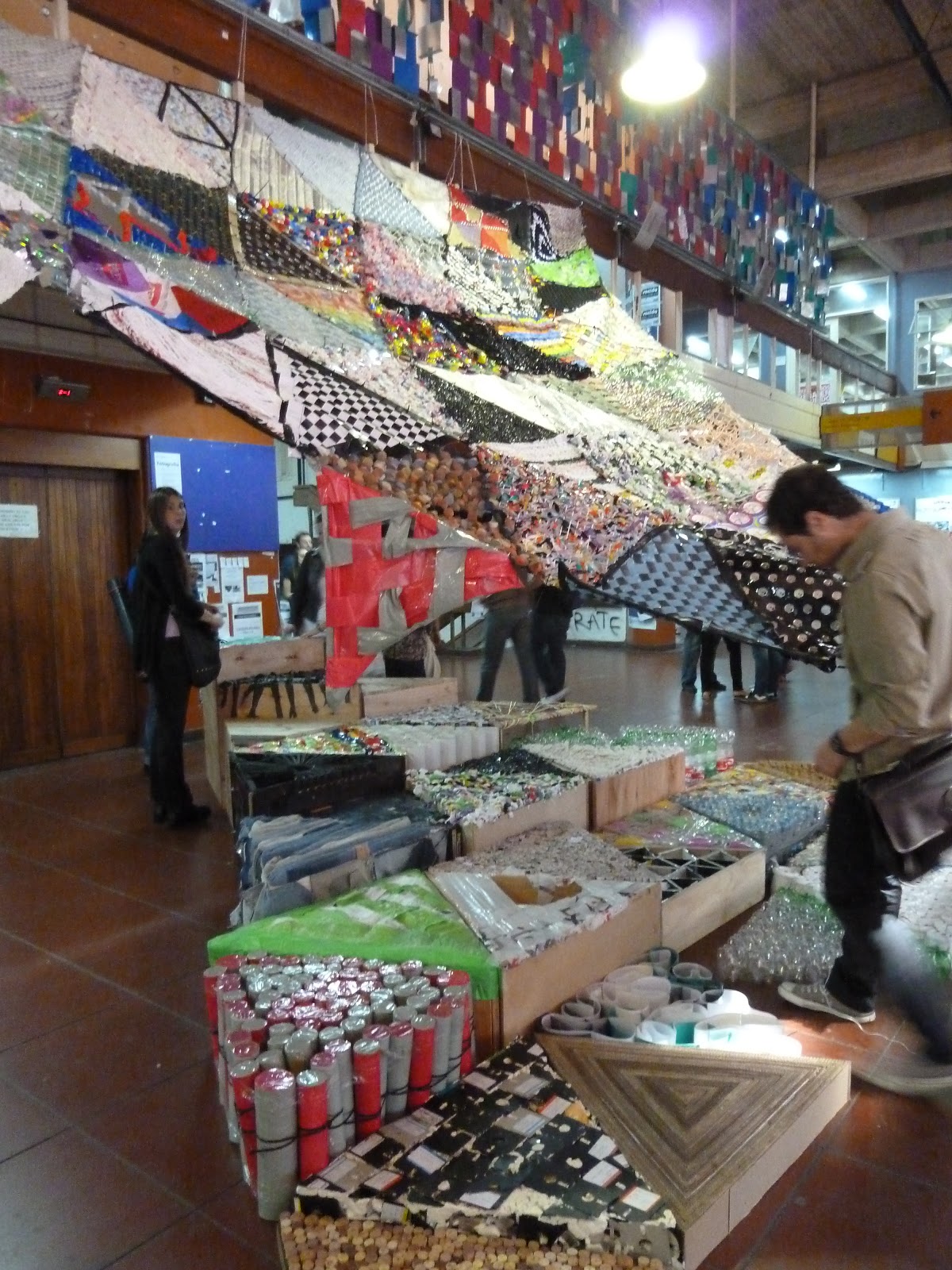
END OF YEAR "bread and circuses - 1:1 building experience" with the performance of "SOUTH SOCIAL CIRCUS", THE PRESENCE OF MATERNAL CHILD'S GARDEN PAVILION 3 FADU - UBA, AND A FULL SECOND WORKSHOP. ..



Make a presentation with images, animations and a good contrast between letters and background of the slides.
Topic: The Way of the Cross of Jesus (the fourteen stations)
The presentation score is valid as a test every two months.


we can move the objects belonging to them and even the text thereby making them more professional and more fun, besides getting the attention of the people who are watching.
animate text and objects
To animate text or object the first thing to do is  select it, then go to the tab and Animations Custom Animation. After the panel appears of Custom Animation. This panel displays the Add Effect button down in which we select the type of effect you want to apply, you can even choose the exact path selecting the menu movement Motion Paths.
We can use the Remove button to remove any animation that we have applied to some text. Drop-down list Home we choose when we want to apply the animation (by clicking on the mouse, after the previous slide, etc).
Other drop-down lists change depending on the type of movement and the beginning of it. The speed usually a common feature so we can control almost all the animations that we apply to an object.
The list below shows the different speed animations that have applied to objects on the slide, as you will see displayed in order.
Play button shows you the slide as keep the animations that have applied. Hide slides
function hide slides can be used to reduce a presentation time problem but we lose the slides we created. To generate a short presentation but without losing the slides that do not visualize.
To hide the slides only have to select the slide you want to hide and then display the Slide Show tab and choose Hide Slide .
Task: Organize


To draw a shape in our presentation, we must choose the type of shape, displaying  FORMS button on the Insert tab
Section lines allows us to draw straight lines, curves, arrows.
 These lines can also be connectors. If approaching a connector to another form, red dots appear. Uniting around the connector, it stays together even move the form.
 In Lines also have the freeform drawing tools and hands.
The last section corresponds to the action buttons. When you insert one of these forms, we can choose, for example, that when you click on the button to go to a particular slide, or run a program.
The remaining forms are art forms, although it was initially inserted in the same manner, to modify them see that some may have different properties.
After selecting a shape, you click on it. Then we click on the document where you want to start, hold and drag the button to where we want to end.
Not all forms behave like that. Some, such as lines, can create a curve for each click or each click creates a corner. To complete the picture, will have to double click. Practice
In PowerPoint draws the map of South America and their countries, used as a basis the picture below and use the shape tools (tool free form).


To insert a graphic into a slide you press the COMMAND Figure in SHEET Insert.
 opens a dialog box for select the chart type you need then click OK . On the left we have a list of different types of charts and graphs right subtypes. PowerPoint will insert the graphic in the slide and show you the data sheet sample containing the quantities that are represented in the graph.
Note that Excel uses PowerPoint to create graphics, so you can use all features for creation. In the datasheet the first column that appears is the one of the legend, the first row (1st Qtr., ....) Q2 represents the X axis (horizontal) and quantities will be represented on the Y axis
 This drawing is representation of the data sheet that you've shown above. After inserting the chart is very easy to change data sheet only position yourself on the cell you want to edit and insert the new value immediately see represented in the graph.
Exercise:
Make a presentation of four slides with the title "statistics" on each one introduces a graph with the following information:
1. South American countries. 2. 3 Central American countries. 4 North American countries. Andean countries.
![clip_image002[6]](http://lh6.ggpht.com/_Gu0G4wd_R68/S7nxdDh4DbI/AAAAAAAAFUs/o1z0eRgpwl4/s1600-h/clip_image002%5B6%5D%5B3%5D.jpg "clip_image002[6]")


Keep in mind that effective presentations depend on the quality of information and not the way it is presented (animations, sounds, colors, etc..) For create PowerPoint slides can use many types of elements: text, images, graphics, animation, sound, video ...
designing a presentation should take into account the following points:

We must bear in mind that the slides are only audiovisual HELP: The best practice is to present key information and larger only verbally during exposure.
usually recommended:
* Six or seven key points per slide
* Six to eight words per point.
Many of these elements can manipulate features such as size, color, order and location.
2. Using the Color
To design a nice slide is necessary to use a good combination between the colors of the slide background and text. For your audience can easily read the contents of your slide should be a contrast between text and background.
recommend using dark colors on the bottom and clear text or vice versa. Avoid bright colors or very bright in combination as they may be annoying to the eye and barely legible. & # 160;
Examples of combinations:

3. Using Multimedia
To avoid saturating the presentation of multimedia elements to take into account the following recommendations:
* Maintain an appropriate number of multimedia elements on your slides. Do not clutter your presentation with sounds or flying objects, it is best to use just to reinforce important points in your presentation.
* Make sure each image, animation, sound, graphic or video that you use is directly related to what is exposing.
* Use simple graphics, clear and easy to understand.
4. Font Size and Type :

5. Using Bullets (bullets)
The use of vignettes (small illustrations on the left side of sentences) is very useful for presenting information in a brief and clear.
These are accompanied by key words or phrases instead of sentences or entire paragraphs to avoid reading slides to the audience.
(The cartoons are the illustrations, not the full lines)
Source: Venezuela


Tape Options

The Ribbon contains all the program options grouped into tabs, " sheets." When you click Insert, for example, see the operations related to the integration of different elements that can be created in PowerPoint.
At times some options are not available, because they recognize a dimmed.
tabs forming the tape may change depending on when you encounter when working with PowerPoint. The Ribbon is designed to display only those options that will be helpful at all times.
The Ribbon is composed of: Tabs, Groups and commands.
enter pressing the ALT key on the keyboard access mode. Thus small boxes appear next to the tabs and options indicating the key (or set of keys) you must press to enter that option without the need of the mouse.
options not available at this time are displayed semitransparent.
To exit the keyboard access mode you press the ALT key.

If you double-click on any of the tabs, the bar minimized to save space. This will only displays the name of the tabs and options will be hidden. The settings will be showing up in the moment to re-click on any tab. Task
and complete answers.


